
The moment you start browsing tablets for kids, it is weirdly easy to feel like you are shopping for a tiny CEO instead of a child. One review says you need the fastest processor, another promises “educational magic,” and suddenly you are three tabs deep, wondering whether your living room really needs a device built like a spaceship. At Apple Tree Pre-School BSD, located in the Educenter BSD Building, we talk with parents about this all the time, because the best tablet is not the fanciest one, it is the one that keeps your child safe and supports healthy learning.
We get the appeal, honestly. A good tablet can help you during long car rides, rainy afternoons, or those moments when you just need ten peaceful minutes to finish your coffee while it is still warm. But if you choose the wrong one, you may end up with too much screen time, unsafe content, annoying ads, or a device that shatters the first time it meets the floor, which children somehow treat like a science experiment.
Tablets for Kids: What Parents Should Really Look For
When parents ask us about tablets for kids, we always say the same thing first: start with safety, not shiny features. Children do not need every bell and whistle. They need a device that is simple, secure, and designed to support learning without turning into a tiny chaos machine.
A safe tablet should help you stay in control. You should be able to manage apps, limit screen time, filter content, and decide what your child can access. If you need a computer science degree just to block one random video app, that is already a red flag.
Tablets for Kids Should Have Strong Parental Controls
This is the non negotiable part. Before you think about screen quality or game options, check whether the tablet gives you solid parental controls. You want settings that are clear, easy to use, and flexible enough to grow with your child.
Look for features like these:
- App approval before downloads
- Daily screen time limits
- Content filters by age
- The ability to block web browsing or restrict it
- Password protected parent settings
- Activity reports so you can see what your child is actually doing
We have seen parents buy a device because it looked cute, only to discover later that it was packed with open internet access and random video suggestions. That is not convenience. That is a full time side job.
Tablets for Kids Need Safe, Age Appropriate Content
Not all “kids content” is actually good for kids. Some apps are noisy, overly stimulating, or full of pop ups pretending to be learning tools. If an app teaches counting but also throws in flashing ads for mystery toys every thirty seconds, we would not exactly call that a win.
When choosing tablets for kids, take a good look at the ecosystem around the device. Ask yourself whether the app store includes trusted educational content, whether reading apps are available, and whether you can curate what appears on the home screen. Younger children do best when the tablet feels calm, predictable, and easy to navigate.
Tablets for Kids Should Be Durable and Easy to Hold
Let us be realistic for a second. If a tablet is going to be used by a child, it will probably be dropped, sticky, tilted upside down, and possibly introduced to a sofa in a highly dramatic flying motion. Durability matters more than most parents expect.
Choose a tablet with a sturdy case, a strong screen, and a size that small hands can manage comfortably. Heavy devices can be awkward for young children, and oversized screens are not always better. Sometimes the safest choice is simply the one your child can actually hold without looking like they are carrying a restaurant menu.
Tablets for Kids Should Protect Privacy and Avoid Ad Overload
This point gets overlooked a lot, but it matters. Some cheaper devices collect too much data, push ads aggressively, or encourage constant purchases inside apps. That can create a frustrating experience for you and a confusing one for your child.
We recommend checking the privacy policy, looking for an ad light experience, and avoiding devices that rely heavily on third party promotions. A tablet should not quietly turn your child into a target audience before they can even tie their shoes. That is not educational technology, that is just sneaky marketing in bright colors.
How to Tell If Tablets for Kids Support Real Learning
A safe tablet is only part of the story. The bigger question is whether it actually helps your child learn in a healthy way. We love tools that support curiosity, language development, early numeracy, creativity, and problem solving, but we do not believe every glowing screen automatically deserves a gold star.
The best tablets for kids encourage active learning. That means drawing, storytelling, phonics practice, simple puzzles, music exploration, and well designed educational games. Passive scrolling and endless video autoplay, on the other hand, can turn learning time into zoning out time very quickly.
Tablets for Kids Should Encourage Participation, Not Just Tapping
A good learning app invites your child to think, respond, repeat, and explore. It should not just hand them entertainment with a few alphabet stickers on top. We always tell parents to look for apps that ask children to speak, match, create, solve, or listen closely.
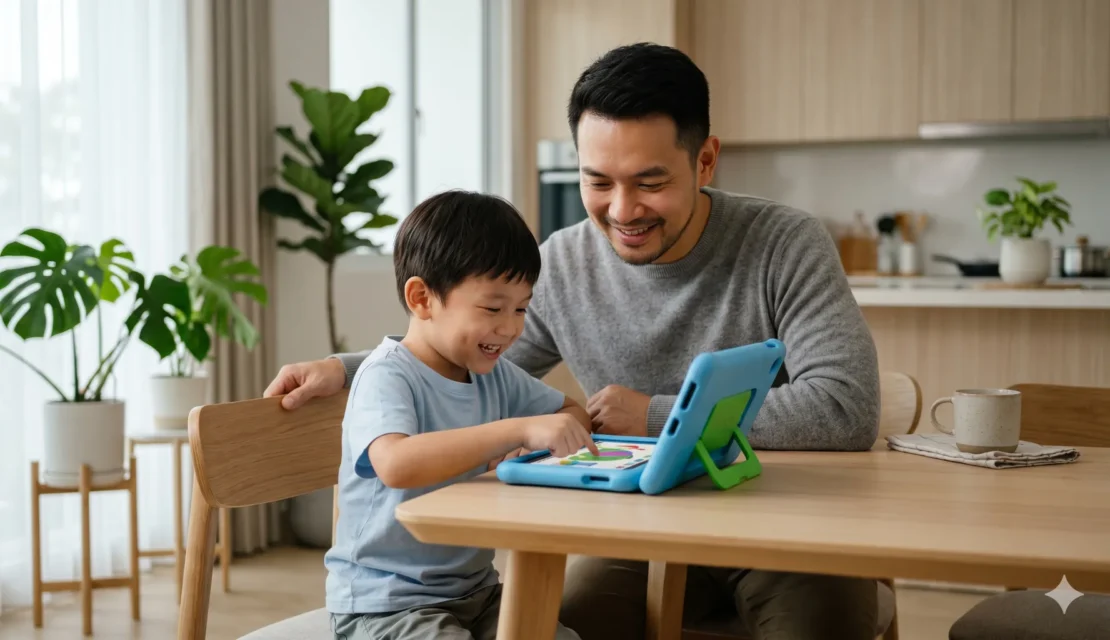
If your child is using a tablet, you want them doing something meaningful with it. Even better, sit with them when you can. Some of the best moments happen when you ask, “Can you show us how that works?” and suddenly your child becomes the teacher, which they absolutely love.
Tablets for Kids Work Best With Clear Boundaries
Even the safest device still needs limits. We say this with love, because children are brilliant at testing boundaries and screens are very, very persuasive. A tablet can be useful, but it should not take over family routines, sleep schedules, outdoor play, or face to face conversation.
Here is a simple checklist we often share with parents:
- Use the tablet in shared family spaces
- Set a clear start time and finish time
- Keep tablets away during meals
- Avoid screen use right before bedtime
- Choose quality content over quantity
- Balance screen learning with books, play, movement, and conversation
That balance is where the magic really happens. Children learn best when technology supports real life, not when it replaces it.
Why Balance Matters More Than Buying the “Best” Device
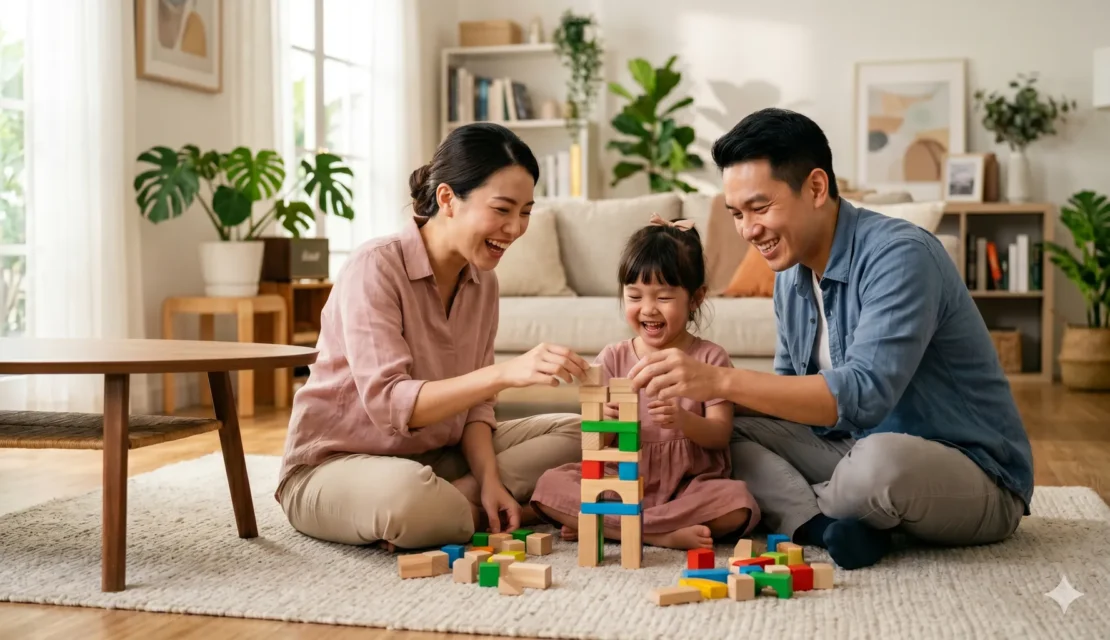
This may sound funny coming from educators, but we do not believe children need the most expensive gadget on the market. What they need is thoughtful guidance from adults who understand that development happens through many experiences. Screens can help, but so can building blocks, muddy shoes, songs in the car, and asking one hundred questions before breakfast.
At school, we see every day that children thrive when learning is varied and joyful. That is why families often look for environments that combine academics, creativity, language, movement, and social growth. A tablet may support one small part of that journey, but it cannot replace warm interaction, playful discovery, and a community that helps children grow smart and happy together.
Choose Tablets for Kids With Care, Then Keep Learning Human
Choosing tablets for kids does not have to feel overwhelming. If you focus on parental controls, age appropriate content, durability, privacy, and real educational value, you will already be making a much smarter choice than buying the flashiest option on the shelf. Safe technology should make your life easier and your child’s learning richer, not noisier.
If you want your child to grow in a balanced environment where learning goes far beyond screens, we would love to welcome you to Apple Tree Preschool BSD. You can also explore our programs to find the right class for your little one, from toddler through kindergarten.
Ready to take the next step? Register now and let your child come play and learn with other children in a warm, joyful environment. You can Chat with us on WhatsApp or call us directly at +62 888 1800 900. We would be happy to help you find the right start for your child.





Be the first to write a comment.