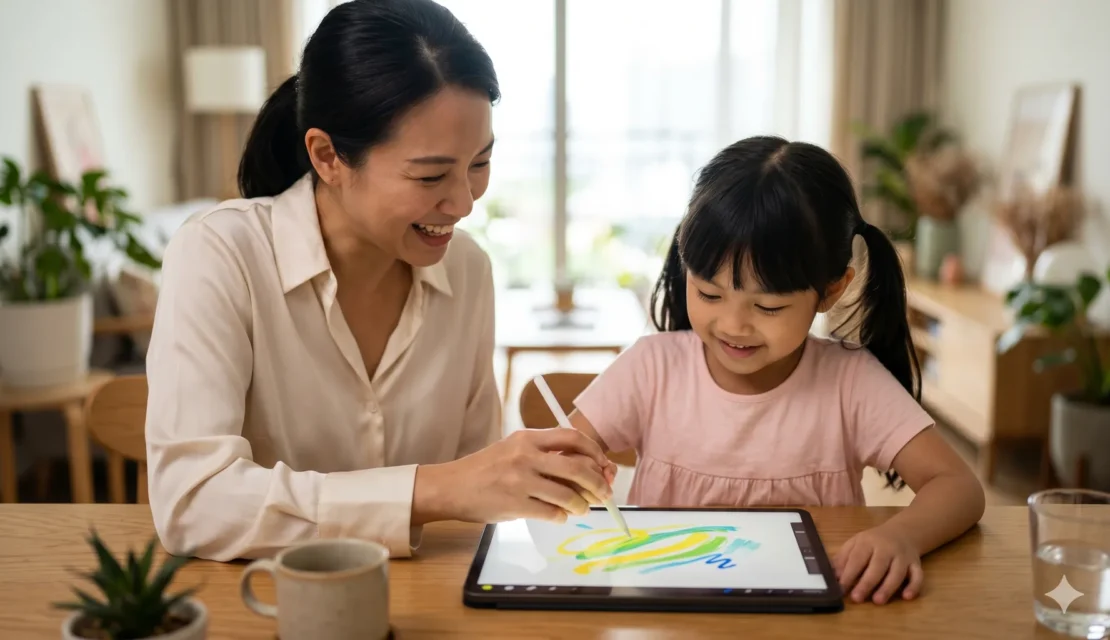
If your child has ever drawn on a receipt, a wall, or the one important paper you needed five minutes later, you already know creativity does not wait for permission. That is exactly why Digital drawing apps can be such a lifesaver for parents. At Apple Tree Pre-School BSD, located near Educenter bsd, we love tools that turn a child’s natural urge to scribble, explore, and imagine into something playful and genuinely useful.
The best part is that digital art does not replace crayons, paint, or messy fingers covered in glue. It simply adds another space where your child can experiment, make mistakes, undo those mistakes without tears, and keep going. For many children, that little undo button is basically emotional support.
If you are wondering which apps are actually worth your time, money, and storage space, we have put together a parent friendly guide to the five best options. We are looking at ease of use, creative tools, age fit, stylus support, and whether each app truly helps your child grow artistically instead of just tapping random stickers for twenty minutes.
Why Digital Drawing Apps Can Be Good for Children
Digital drawing apps are not just about screen time. When chosen carefully, they can support creativity, focus, visual thinking, and hand eye coordination. They also give children a safe space to try ideas, layer colors, and learn how art can evolve from a sketch into a finished piece.
For children who get frustrated easily, digital art can be especially helpful. They can erase, adjust, and restart without feeling like the whole page is ruined. Honestly, we wish life came with that feature too.
What We Look For in Digital Drawing Apps
When we evaluate digital drawing apps for children, we focus on a few things that really matter in everyday family life.
- Ease of use, because if the app feels like filing taxes, your child will give up
- Creative tools, such as brushes, colors, layers, tracing, or guided drawing
- Age suitability, because a preschooler and a ten year old need very different experiences
- Stylus support, which helps children practice control and fine motor movement
- Saving and sharing options, so your child’s masterpiece does not disappear into the digital void
- Value for money, because not every app needs to cost a fortune to be useful
5 Best Digital Drawing Apps for Your Child
1. Procreate
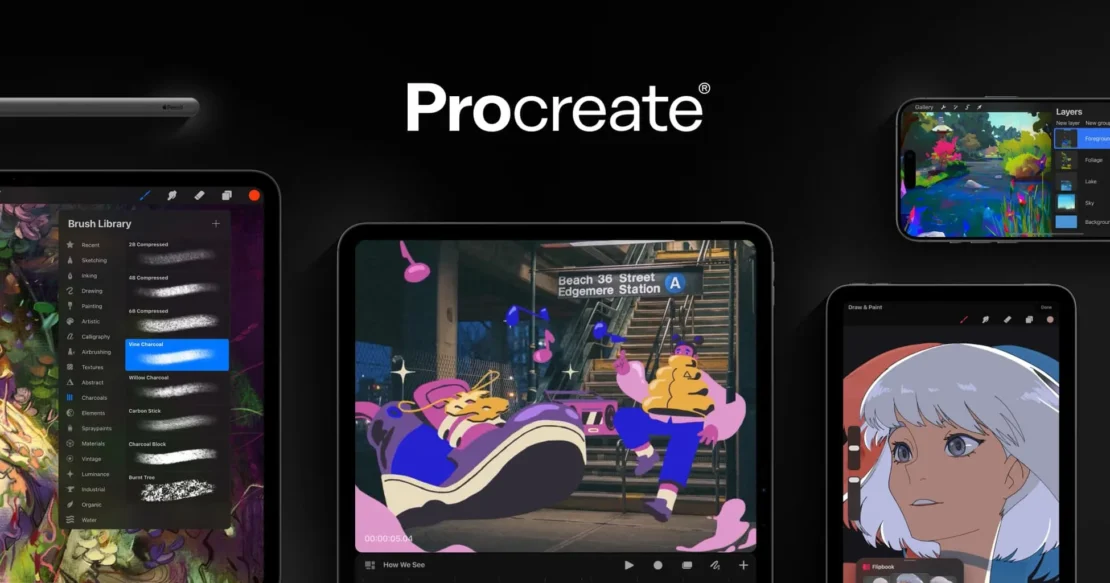
If your child is older, seriously interested in art, and using an iPad, Procreate is one of the strongest digital drawing apps available. It offers more than 200 customizable brushes, strong layer support, Apple Pencil compatibility, pressure sensitivity, tilt control, animation tools, and time lapse recording. In plain English, it gives your child the same kind of creative playground many professional illustrators use.
What we like most is how much artistic growth it can support. Children can learn about shading, layering, blending, and digital workflow in a way that feels exciting rather than intimidating. The interface is surprisingly clean once you get used to it, though younger children may still find it a bit much at first.
This app is best for children around age 10 and above who are ready to move from casual doodling into real digital illustration. It is a one time purchase of around USD 12.99, which is honestly pretty reasonable for what you get. The main drawback is that it is only available on iPad, and it works best with an Apple Pencil.
2. Tayasui Sketches
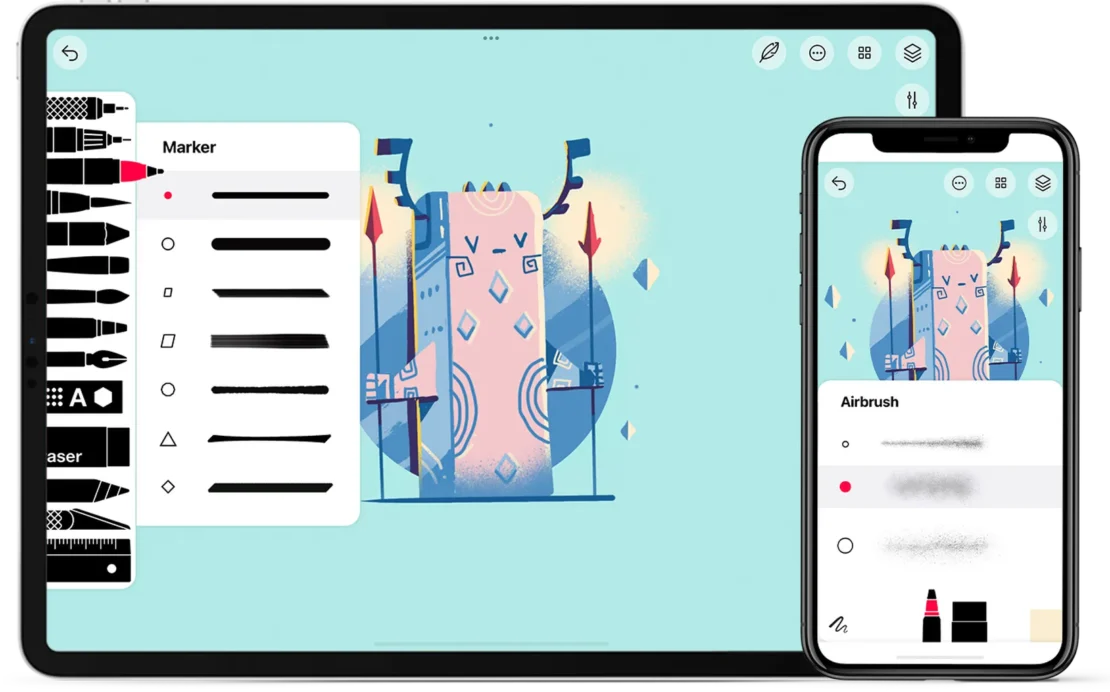
Tayasui Sketches is one of those apps that feels calm the moment you open it. The interface is clean, simple, and beginner friendly, which makes it a lovely option for children who are just starting to explore digital art. It is available on both iOS and Android, and there is a free version with an optional paid upgrade.
One reason we often recommend it is that it mimics traditional art materials beautifully. The watercolor brushes, pencil tools, acrylic effects, and color blending features make it feel familiar for children who already enjoy drawing with real paint and pencils. That bridge from paper art to digital art can make the whole experience much less intimidating.
For children around age 6 to 8 and above, Tayasui Sketches is a very comfortable starting point. It does not have the same advanced depth as Procreate, but that is not necessarily a bad thing. Sometimes simpler is exactly what helps a child stay engaged and build confidence.
3. Sketchbook
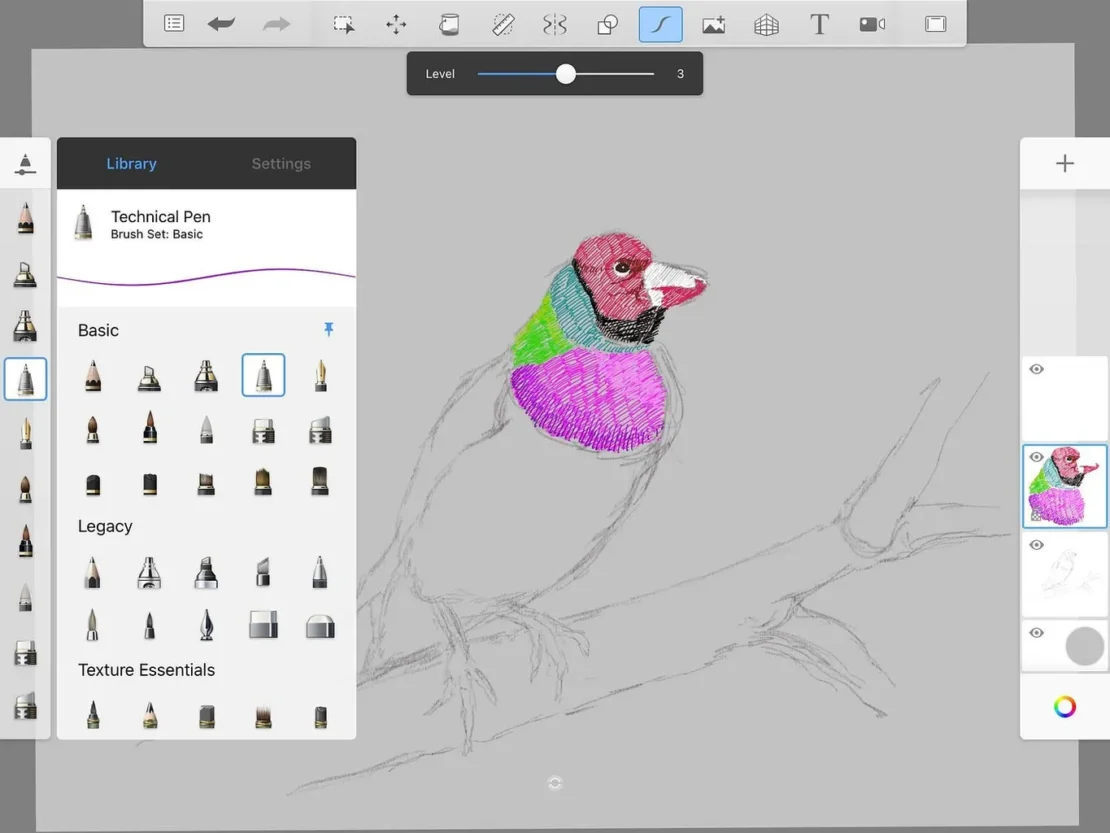
Sketchbook is a fantastic middle ground if your child is ready for more than a basic kids app but not quite ready for a highly advanced professional setup. It is free, works across Windows, macOS, Android, and iOS, and includes a surprisingly rich set of tools. You get brushes, layers, custom brush options, symmetry tools, rulers, perspective guides, and predictive stroke smoothing.
What makes Sketchbook especially valuable is that it helps children improve real drawing techniques. The perspective guides and drawing aids are not just flashy extras, they actually teach structure and control. For children around age 8 and above, this can be a great next step when they want to level up their art in a gradual and manageable way.
The learning curve is a little steeper than an app designed purely for younger kids, but it is still very approachable. If your child is the type who likes to figure things out and feels proud when their work starts looking more polished, this app can be a great fit.
4. Drawing Desk
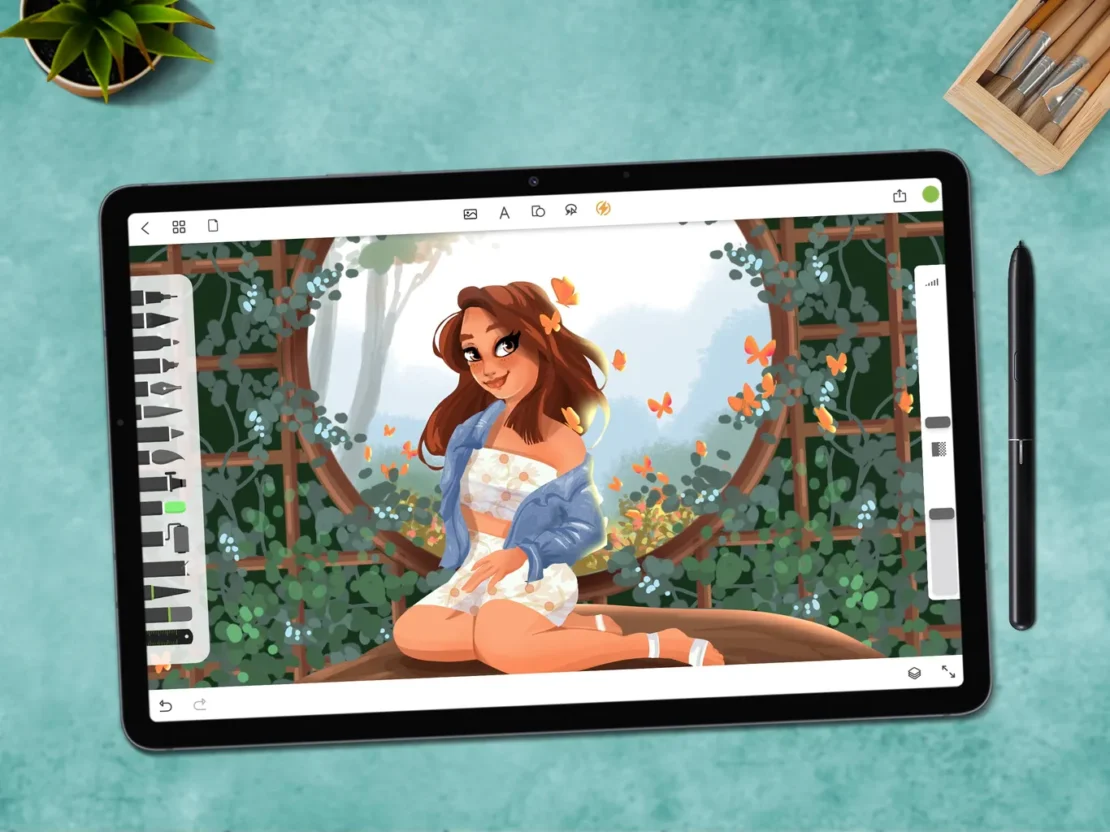
If you are introducing digital drawing apps to a younger child, Drawing Desk is one of the most child friendly choices out there. It is available on Android and iOS, and it includes a special Kids Desk mode that feels playful, colorful, and easy to navigate. That matters more than parents sometimes realize.
Drawing Desk includes guided drawing, tracing tools, coloring pages, stickers, stamps, and simple step by step lessons. For children aged 4 to 10, this can be a gentle way to build confidence, hand eye coordination, and basic drawing skills without overwhelming them. It feels more like an invitation to play than a formal art lesson.
The free version does include ads, which can be a little annoying, and it is not built for advanced artistic development. But for beginners, especially preschool and early primary children, it does exactly what it needs to do. It helps them enjoy the process.
5. Canva
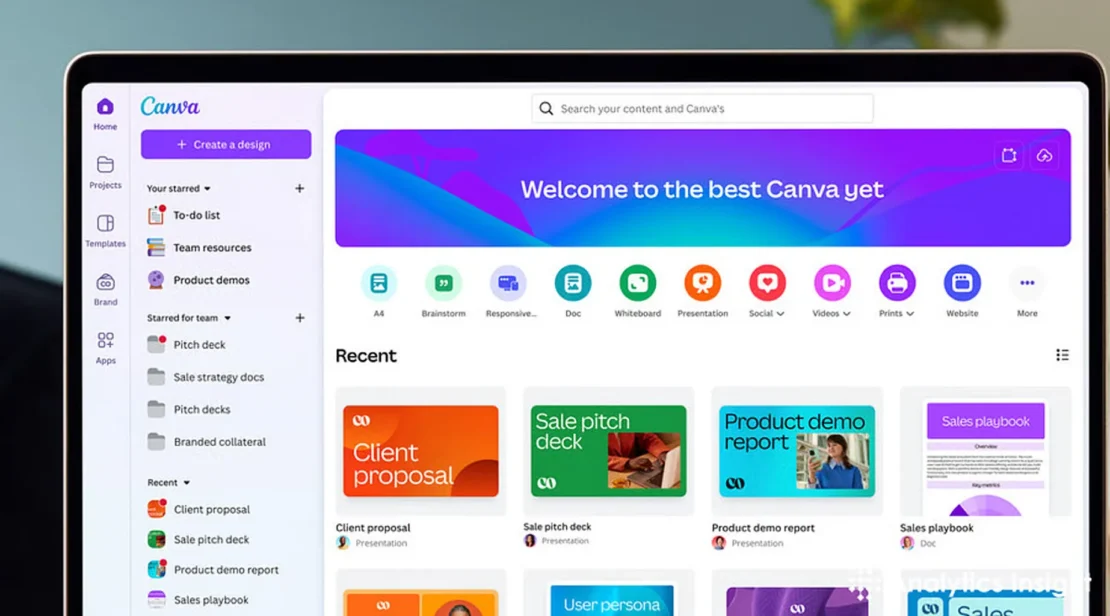
Canva is not a pure drawing app, but we are including it because it opens up another side of visual creativity. If your child enjoys making posters, presentations, mini storyboards, or fun school projects, Canva is incredibly useful. It works on the web, Android, and iOS, and offers a free version with optional premium features.
What we like about Canva is that it introduces children to digital design in a very approachable way. The drag and drop format is easy to understand, and children can explore layout, color combinations, text placement, and visual storytelling. For children age 8 and above, this can be a fun way to grow creative thinking beyond drawing alone.
It is not the best app for brush based illustration, so we would not choose it for a child who wants to sketch seriously. But for design curious children, it is a wonderful tool. And let’s be honest, some children are born to make posters with far too much enthusiasm, and we fully support that energy.
Which Digital Drawing App Is Best for Your Child
The right choice depends on your child’s age, interests, and comfort level.
- Choose Drawing Desk if your child is very young and needs something playful and simple
- Choose Tayasui Sketches if your child is new to digital art and loves traditional materials
- Choose Sketchbook if your child is ready to improve technique and explore more serious tools
- Choose Procreate if your older child is deeply interested in digital illustration on iPad
- Choose Canva if your child enjoys design, posters, and creative school projects
At the end of the day, the best digital drawing apps are the ones that make your child want to keep creating. That is the real goal.
Where Little Artists Keep Growing
At Apple Tree Preschool BSD, we believe creativity should be part of everyday learning, not saved for special occasions. In our classrooms at the Educenter BSD Building, children explore art, imagination, problem solving, language, and confidence through meaningful hands on experiences that fit their stage of development.
That is why our approach goes far beyond worksheets and routine tasks. Through our Singapore based curriculum, we help children build strong foundations in creativity, communication, and independent thinking, all while having a genuinely happy time doing it. You can explore our programs to see which class fits your child best.
If your little one loves drawing, creating, building, and turning every blank page into an adventure, we would love to welcome you. Chat with us on WhatsApp or call us at +62 888-1800-900 to learn more.
Register now and let your child grow smart and happy with us.





Be the first to write a comment.